 34a08b7fe5
This is the fix for #1372 because the styles that were sticking had nothing to do with `:hover` per se.
The issue was in the fact that we were trying to start a second animation (back to the default background color) while the first animation hadn't started yet, so we would skip the creation of the new animation but the old one would still run to completion.

This issue also affects animations that start with a delay. If we set an animation A -> B with a delay of 10s and 1s later we set an animation B -> A, then the animation A -> B will run after 9s but the animation B -> A will not run because it was not created in the first place.
Textual
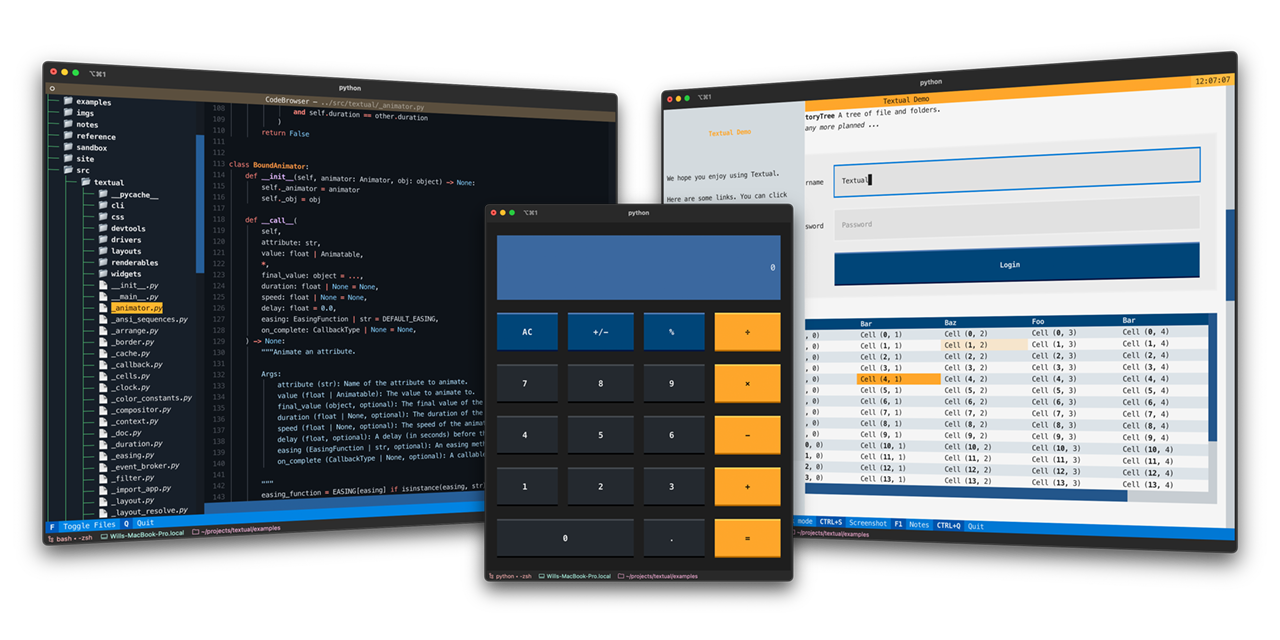
Textual is a Python framework for creating interactive applications that run in your terminal.
🎬 Demonstration
A quick run through of some Textual features.
https://user-images.githubusercontent.com/554369/197355913-65d3c125-493d-4c05-a590-5311f16c40ff.mov
About
Textual adds interactivity to Rich with a Python API inspired by modern web development.
On modern terminal software (installed by default on most systems), Textual apps can use 16.7 million colors with mouse support and smooth flicker-free animation. A powerful layout engine and re-usable components makes it possible to build apps that rival the desktop and web experience.
Compatibility
Textual runs on Linux, macOS, and Windows. Textual requires Python 3.7 or above.
Installing
Install Textual via pip:
pip install "textual[dev]"
The addition of [dev] installs Textual development tools. See the docs if you need help getting started.
Demo
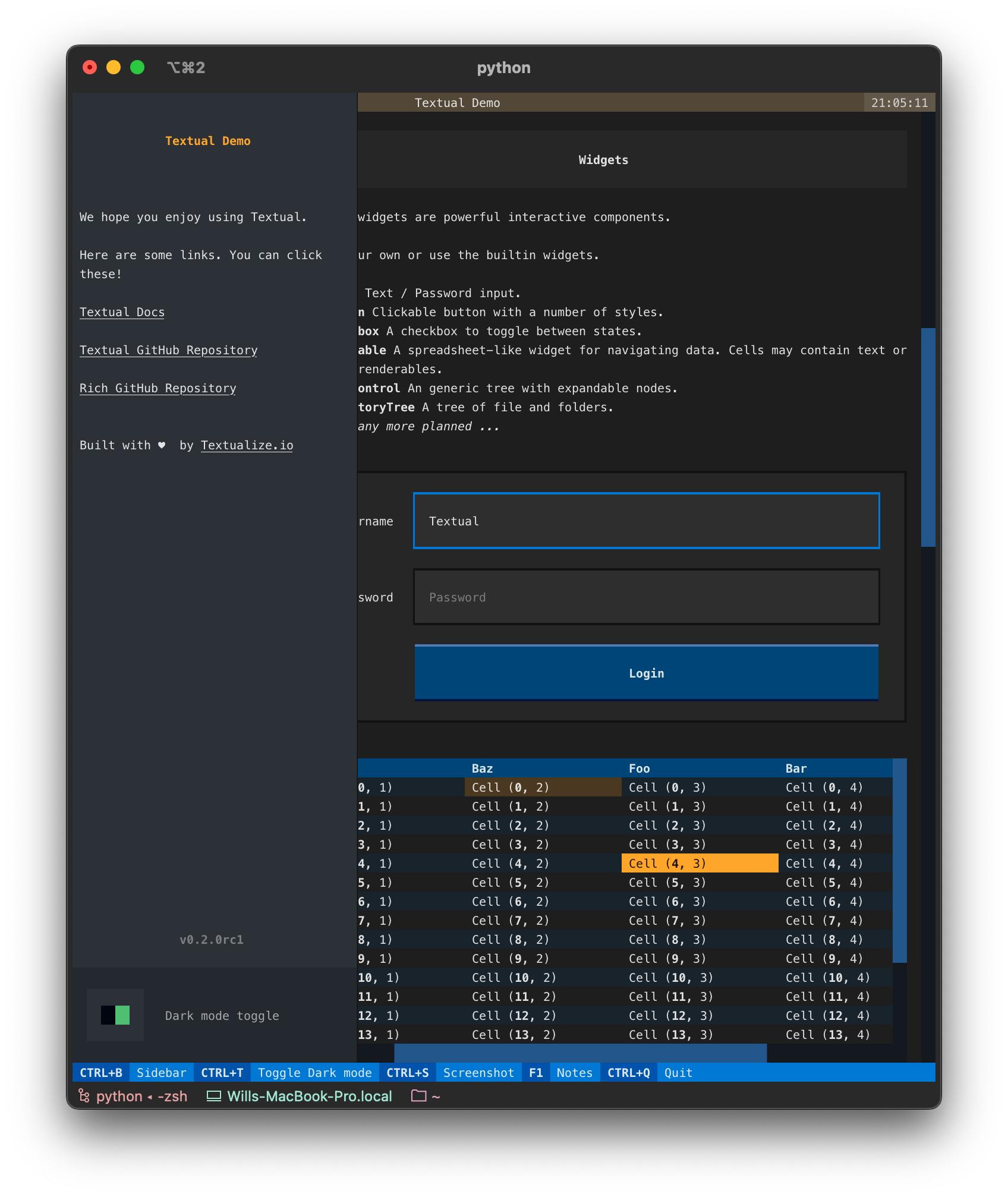
Run the following command to see a little of what Textual can do:
python -m textual
Documentation
Head over to the Textual documentation to start building!
Examples
The Textual repository comes with a number of examples you can experiment with or use as a template for your own projects.
🎬 Code browser
This is the code_browser.py example which clocks in at 61 lines (including docstrings and blank lines).
https://user-images.githubusercontent.com/554369/197188237-88d3f7e4-4e5f-40b5-b996-c47b19ee2f49.mov
🎬 Stopwatch
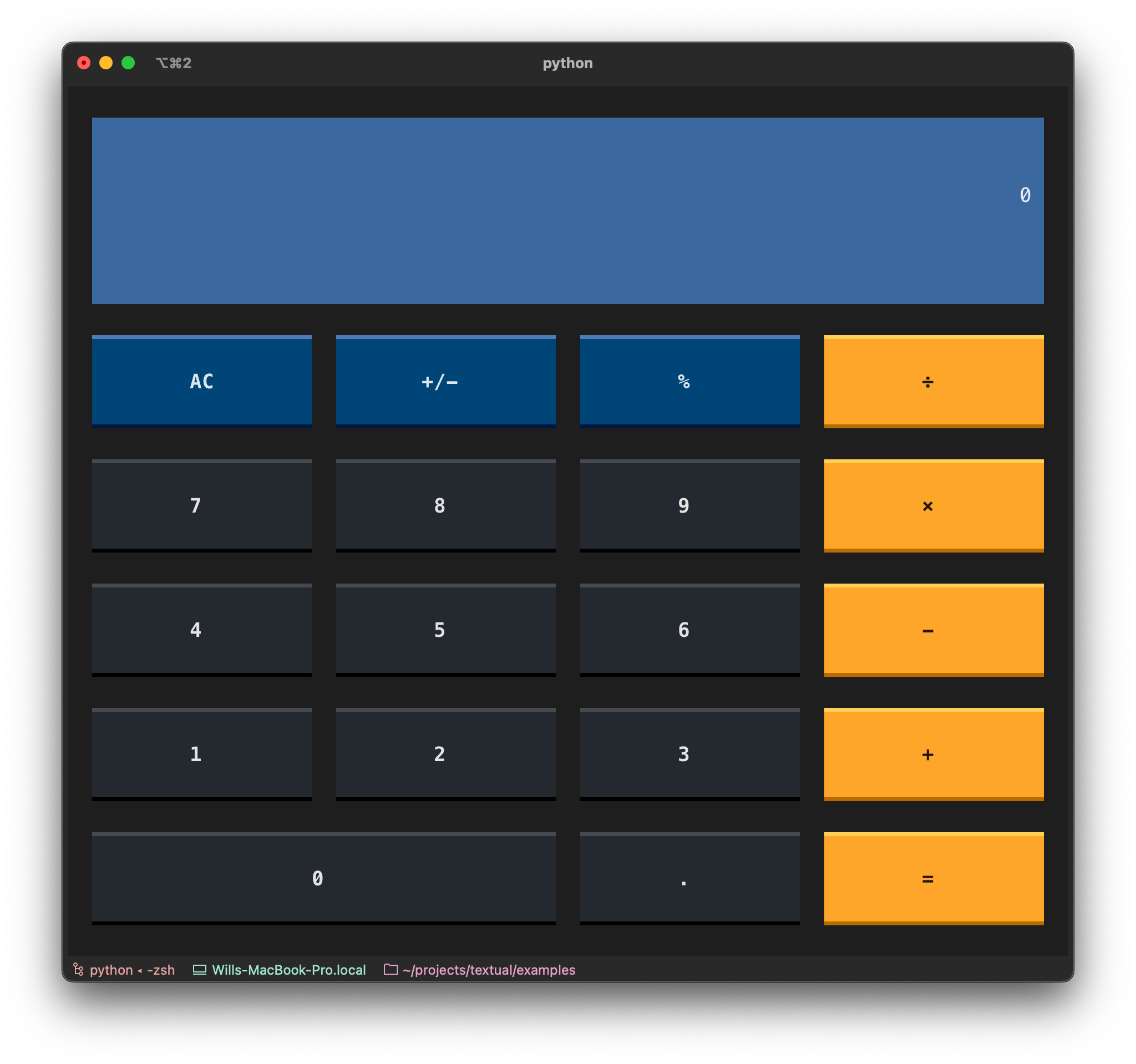
This is the Stopwatch example from the tutorial.
https://user-images.githubusercontent.com/554369/197360718-0c834ef5-6285-4d37-85cf-23eed4aa56c5.mov
Reference commands
The textual command has a few sub-commands to preview Textual styles.
🎬 Easing reference
This is the easing reference which demonstrates the easing parameter on animation, with both movement and opacity. You can run it with the following command:
textual easing
https://user-images.githubusercontent.com/554369/196157100-352852a6-2b09-4dc8-a888-55b53570aff9.mov
🎬 Borders reference
This is the borders reference which demonstrates some of the borders styles in Textual. You can run it with the following command:
textual borders
https://user-images.githubusercontent.com/554369/196158235-4b45fb78-053d-4fd5-b285-e09b4f1c67a8.mov
🎬 Colors reference
This is a reference for Textual's color design system.
textual colors
https://user-images.githubusercontent.com/554369/197357417-2d407aac-8969-44d3-8250-eea45df79d57.mov