 97a5478bd0
* Add the basic ContentSwitcher widget

* Docstring tidy

* Add a visible_content property to the ContentSwitcher

* Clarify that children of ContentSwitcher with no IDs get ignored

* Simplify setting the display value

* Add the start of an example ContentSwitcher for the docs

* Tweak the example layout to better fit in small spaces

* Add the content switcher to the API docs

* Add a guide entry for the ContentSwitcher

This one is a wee bit more involved than most other widget entries in the
guide in that it doesn't obviously do anything itself, but needs
developer-input to make it do something useful. As such the outline here
isn't as clean as it could be, but I think it conveys everything necessary
without getting too complicated.

* Add the reactive attribute table to the ContentSwitcher guide

* Update the README

* Add a refresh after everything has been flipped in the switcher

As noted in the code, this should not be necessary and I don't believe it
has anything to do with this code. I would suspect some lower-level issue
with flipping between different widgets within a container. I need to find a
way to make an isolated reproduction that isn't about this particular
widget. Meanwhile though this works with the refresh().

* Swap current from var to reactive

This solves the explicit refresh issue, but only because the refresh is
implied due to the use of a reactive over a var. As such this sort of
addresses #1979 by ignoring the issue rather than diving into it.

I still suspect that I shouldn't need to do this, and that perhaps there's a
refresh issue when you flip display. So I'll keep #1979 kicking around and
at some point see if I can recreate in isolation.

* Add unit tests for the content switcher

* Add snapshot tests for the ContentSwitcher

* Clarify that an exception can be thrown on a bad ID

* Try and help other Pythons

* Add a pause at the end of the second switcher snapshot test

I'm getting a lot of fails in CI; none of them are actual problems.
Hopefully this will cure it.

* Paaaaaaaaause

More of a test than anything else really. My particular snapshot test is
failing but kinda randomly in each environment each time -- sometimes
Windows, sometimes GNU/Linux, different Python versions.

So... yeah, let's try this and see if it makes it through; otherwise I may
need to rethink this.

* New pause

So it turns out that _ doesn't do anything any more; and instead there's a
"wait:<n>" syntax! So let's give that a try.

* Learning my alphabet...

* Fix a typo in the docs.

Co-authored-by: Rodrigo Girão Serrão <5621605+rodrigogiraoserrao@users.noreply.github.com>

* Add missing full stop.

Co-authored-by: Rodrigo Girão Serrão <5621605+rodrigogiraoserrao@users.noreply.github.com>

* Add a missing word

Co-authored-by: Rodrigo Girão Serrão <5621605+rodrigogiraoserrao@users.noreply.github.com>

* Try a longer wait on the switcher

I'm starting to suspect that this doesn't come down to a timing issue;
especially given that the snapshot report seems to be showing some oddity in
the length of the vertical scrollbar. But... I want to be as sure as
possible so let's double the length of the wait.

Bit a bit of me is starting to wonder if I've somehow managed to create the
perfect storm for scrollbars and you don't always get the same result every
time.

Seems unlikely, but if it's not timing it's that or lots of cosmic rays.

* Test a longer pause on the content switcher test

The idea here being that it takes 200ms for the button to pop again.

* Refresh the snapshots

This time. THIS TIME!

* Experiment: is the issue the same name for two tests?

* Experiment: drop the different source files, try terminal size

Having got over the issue of the button not ending up in the same state,
we're stuck with the scrollbar having different sizes. Having tried other
options let's go with tweaking the terminal size.

* Do a little less work when changing current

Rather than set everything invisible then the new one visible, every time
current is changed, instead just make sure everything is invisible up front
and then just swap the affected children each time.

This does mean that if someone messes with the children under the hood they
may see oddness happening, but less work while being less defensive seems
fair here.

---------

Co-authored-by: Rodrigo Girão Serrão <5621605+rodrigogiraoserrao@users.noreply.github.com>
Textual
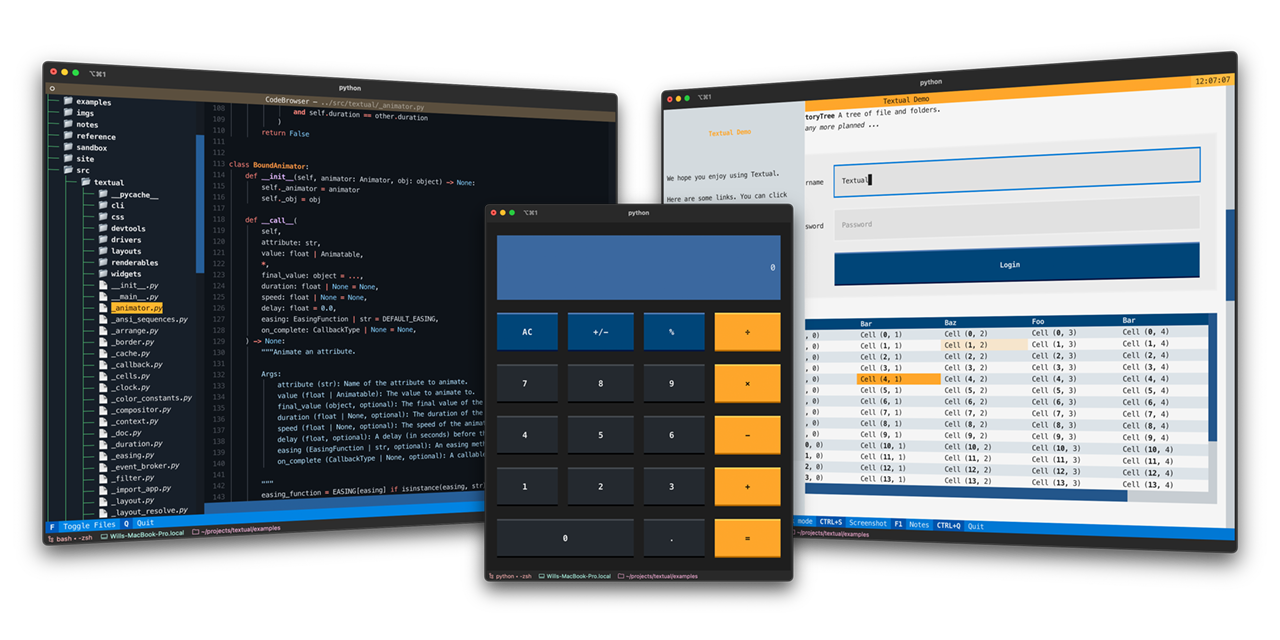
Textual is a Rapid Application Development framework for Python.
Build sophisticated user interfaces with a simple Python API. Run your apps in the terminal and (coming soon) a web browser!
🎬 Demonstration
A quick run through of some Textual features.
https://user-images.githubusercontent.com/554369/197355913-65d3c125-493d-4c05-a590-5311f16c40ff.mov
About
Textual adds interactivity to Rich with an API inspired by modern web development.
On modern terminal software (installed by default on most systems), Textual apps can use 16.7 million colors with mouse support and smooth flicker-free animation. A powerful layout engine and re-usable components makes it possible to build apps that rival the desktop and web experience.
Compatibility
Textual runs on Linux, macOS, and Windows. Textual requires Python 3.7 or above.
Installing
Install Textual via pip:
pip install "textual[dev]"
The addition of [dev] installs Textual development tools. See the docs if you need help getting started.
Demo
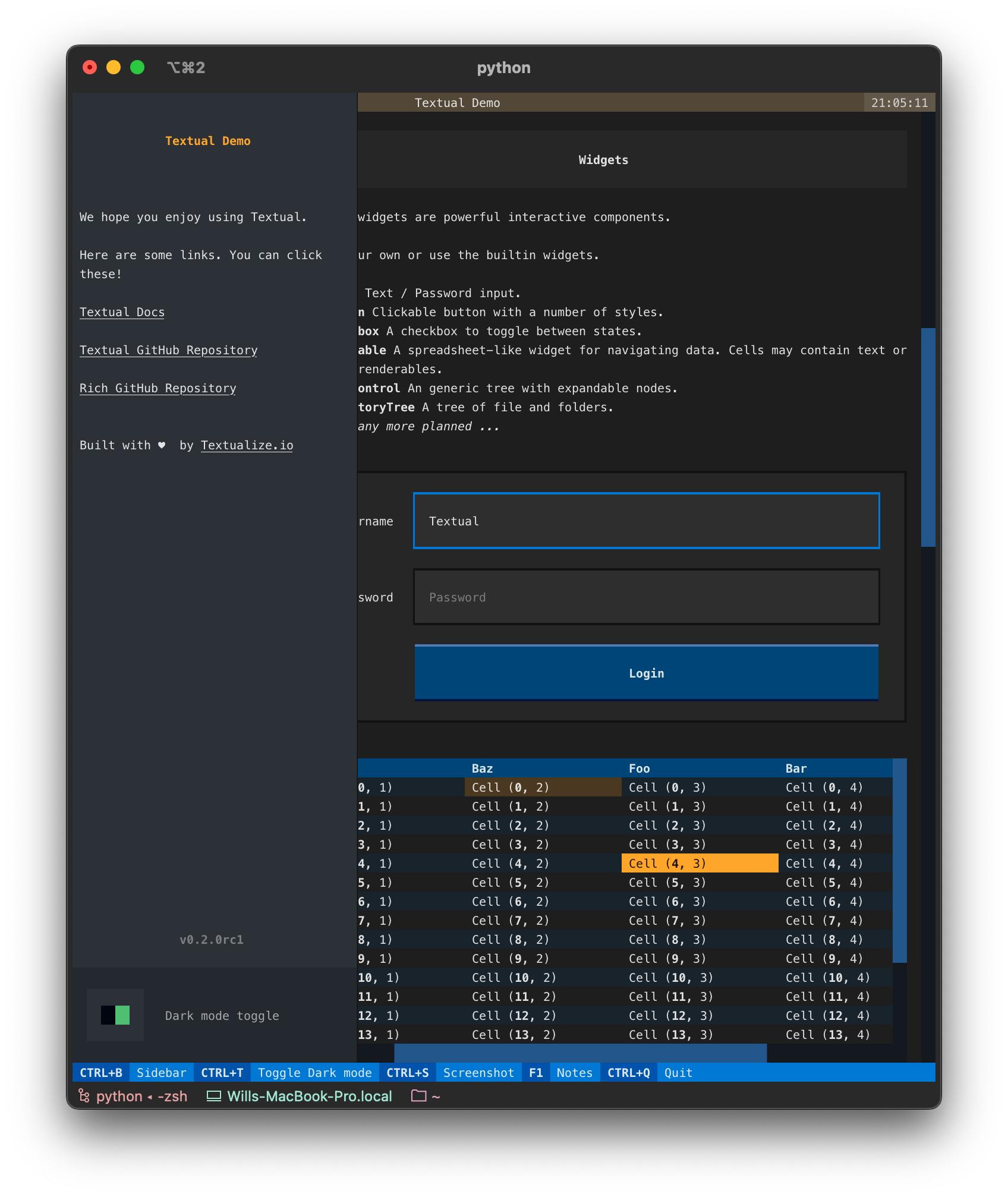
Run the following command to see a little of what Textual can do:
python -m textual
Documentation
Head over to the Textual documentation to start building!
Examples
The Textual repository comes with a number of examples you can experiment with or use as a template for your own projects.
🎬 Code browser
This is the code_browser.py example which clocks in at 61 lines (including docstrings and blank lines).
https://user-images.githubusercontent.com/554369/197188237-88d3f7e4-4e5f-40b5-b996-c47b19ee2f49.mov
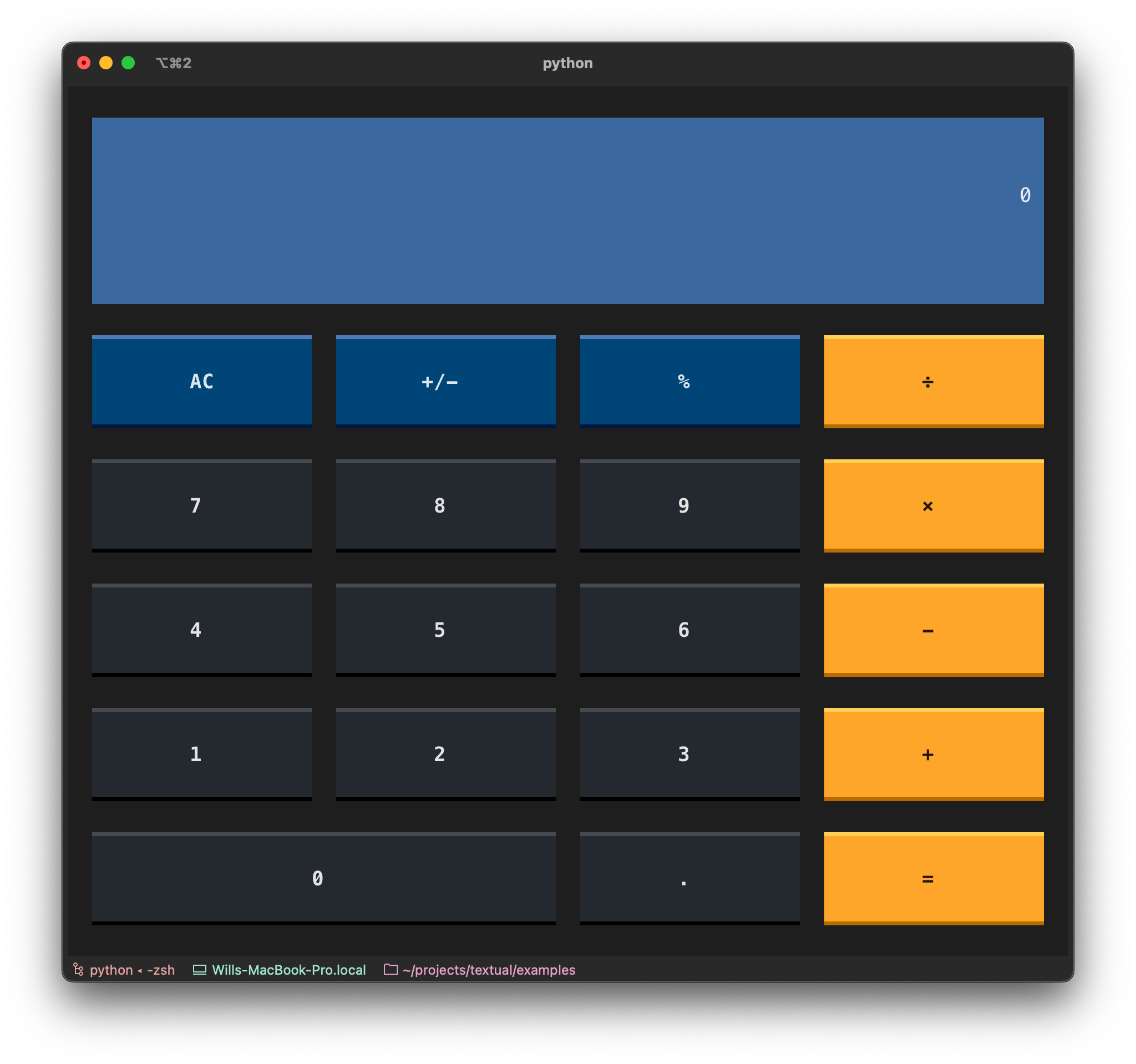
🎬 Stopwatch
This is the Stopwatch example from the tutorial.
https://user-images.githubusercontent.com/554369/197360718-0c834ef5-6285-4d37-85cf-23eed4aa56c5.mov
Reference commands
The textual command has a few sub-commands to preview Textual styles.
🎬 Easing reference
This is the easing reference which demonstrates the easing parameter on animation, with both movement and opacity. You can run it with the following command:
textual easing
https://user-images.githubusercontent.com/554369/196157100-352852a6-2b09-4dc8-a888-55b53570aff9.mov
🎬 Borders reference
This is the borders reference which demonstrates some of the borders styles in Textual. You can run it with the following command:
textual borders
https://user-images.githubusercontent.com/554369/196158235-4b45fb78-053d-4fd5-b285-e09b4f1c67a8.mov
🎬 Colors reference
This is a reference for Textual's color design system.
textual colors
https://user-images.githubusercontent.com/554369/197357417-2d407aac-8969-44d3-8250-eea45df79d57.mov