 e75f784b2c
This is the heart of the issue introduced by
b48a1402b8
and which is being investigated in
https://github.com/Textualize/textual/issues/1343 -- the child widget can be
focused, but (as far as the author of the code is concerned) it has no
bindings. Bindings for movement-oriented keys exist on the screen which
composes up the widget into it. Up until 0.5.0 this worked just fine. As of
0.6.0, because binding inheritance was introduced, the bindings for movement
that live at the `Widget` level cause the widget that has no bindings to
appear to have bindings.

While this can potentially be worked around with the use of
inherit_bindings, this isn't a very satisfying solution and also breaks the
rule of least astonishment.

This test is going to be key to all of this. This is the test that should be
made to work without breaking any of the other currently-passing tests.
Textual
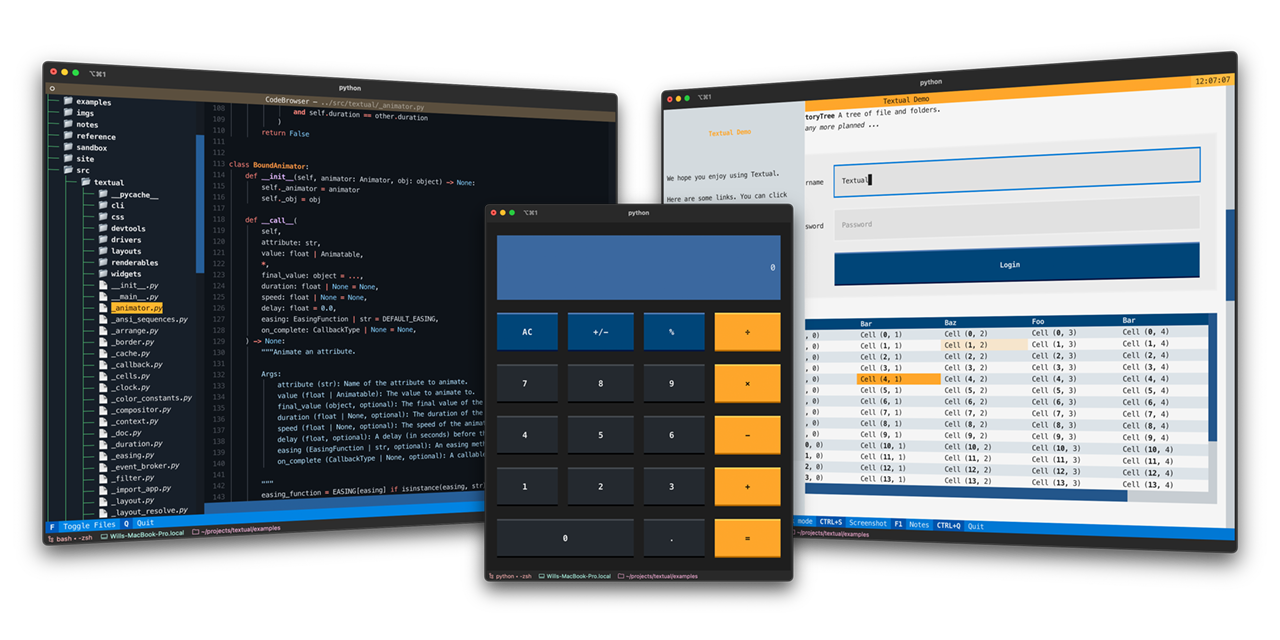
Textual is a Python framework for creating interactive applications that run in your terminal.
🎬 Demonstration
A quick run through of some Textual features.
https://user-images.githubusercontent.com/554369/197355913-65d3c125-493d-4c05-a590-5311f16c40ff.mov
About
Textual adds interactivity to Rich with a Python API inspired by modern web development.
On modern terminal software (installed by default on most systems), Textual apps can use 16.7 million colors with mouse support and smooth flicker-free animation. A powerful layout engine and re-usable components makes it possible to build apps that rival the desktop and web experience.
Compatibility
Textual runs on Linux, macOS, and Windows. Textual requires Python 3.7 or above.
Installing
Install Textual via pip:
pip install "textual[dev]"
The addition of [dev] installs Textual development tools. See the docs if you need help getting started.
Demo
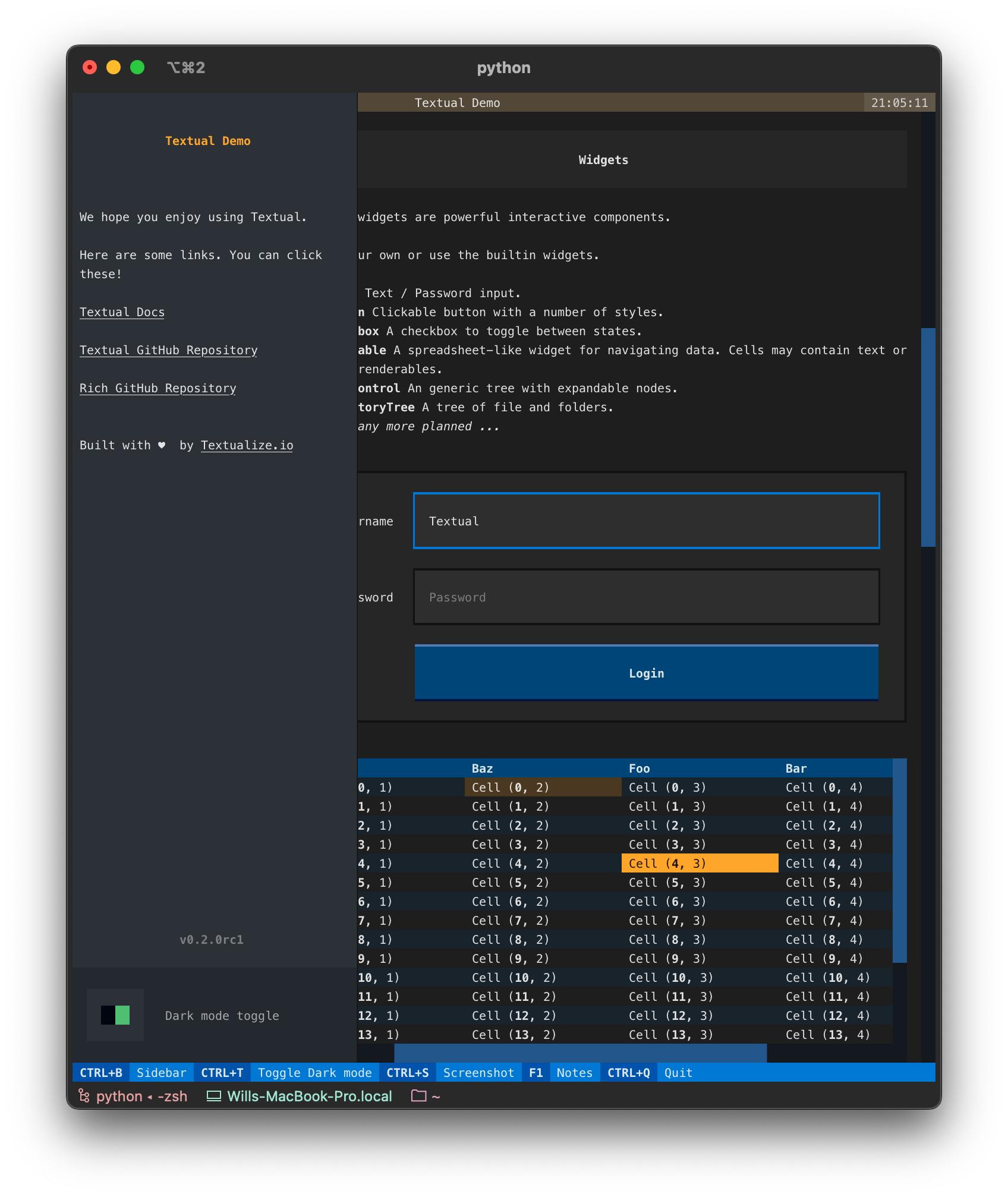
Run the following command to see a little of what Textual can do:
python -m textual
Documentation
Head over to the Textual documentation to start building!
Examples
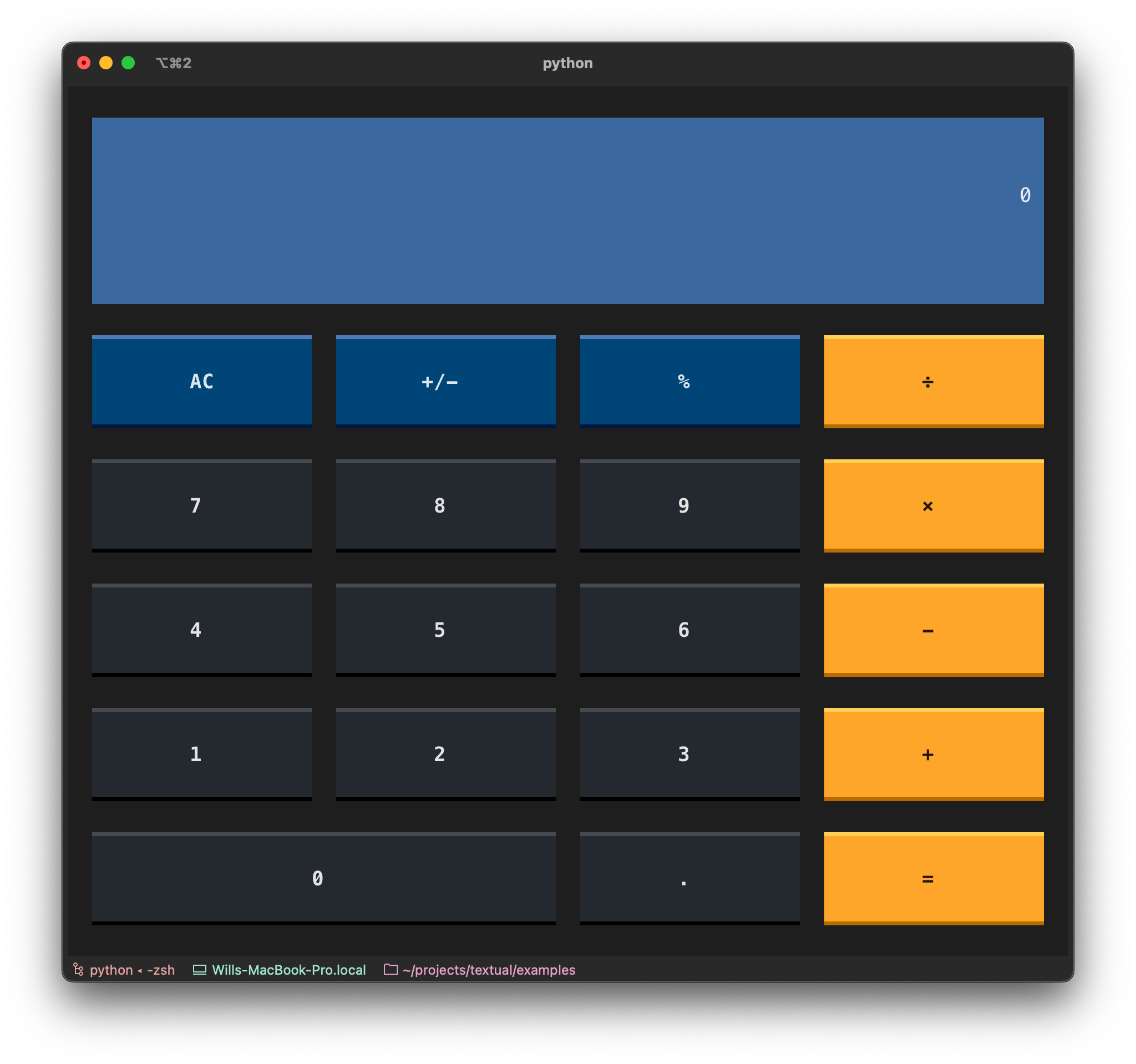
The Textual repository comes with a number of examples you can experiment with or use as a template for your own projects.
🎬 Code browser
This is the code_browser.py example which clocks in at 61 lines (including docstrings and blank lines).
https://user-images.githubusercontent.com/554369/197188237-88d3f7e4-4e5f-40b5-b996-c47b19ee2f49.mov
🎬 Stopwatch
This is the Stopwatch example from the tutorial.
https://user-images.githubusercontent.com/554369/197360718-0c834ef5-6285-4d37-85cf-23eed4aa56c5.mov
Reference commands
The textual command has a few sub-commands to preview Textual styles.
🎬 Easing reference
This is the easing reference which demonstrates the easing parameter on animation, with both movement and opacity. You can run it with the following command:
textual easing
https://user-images.githubusercontent.com/554369/196157100-352852a6-2b09-4dc8-a888-55b53570aff9.mov
🎬 Borders reference
This is the borders reference which demonstrates some of the borders styles in Textual. You can run it with the following command:
textual borders
https://user-images.githubusercontent.com/554369/196158235-4b45fb78-053d-4fd5-b285-e09b4f1c67a8.mov
🎬 Colors reference
This is a reference for Textual's color design system.
textual colors
https://user-images.githubusercontent.com/554369/197357417-2d407aac-8969-44d3-8250-eea45df79d57.mov